🎉 14+ Years Anniversary Special! | 50% OFF on All Training Courses | Limited Time Only!
sivasoft@sivasoft.in An ISO 9001:2015 Certified Company
+91 99636 89248 Ameerpet, Hyderabad
Special Career Track

🎓 Microsoft MS Project & Generative AI Training Course

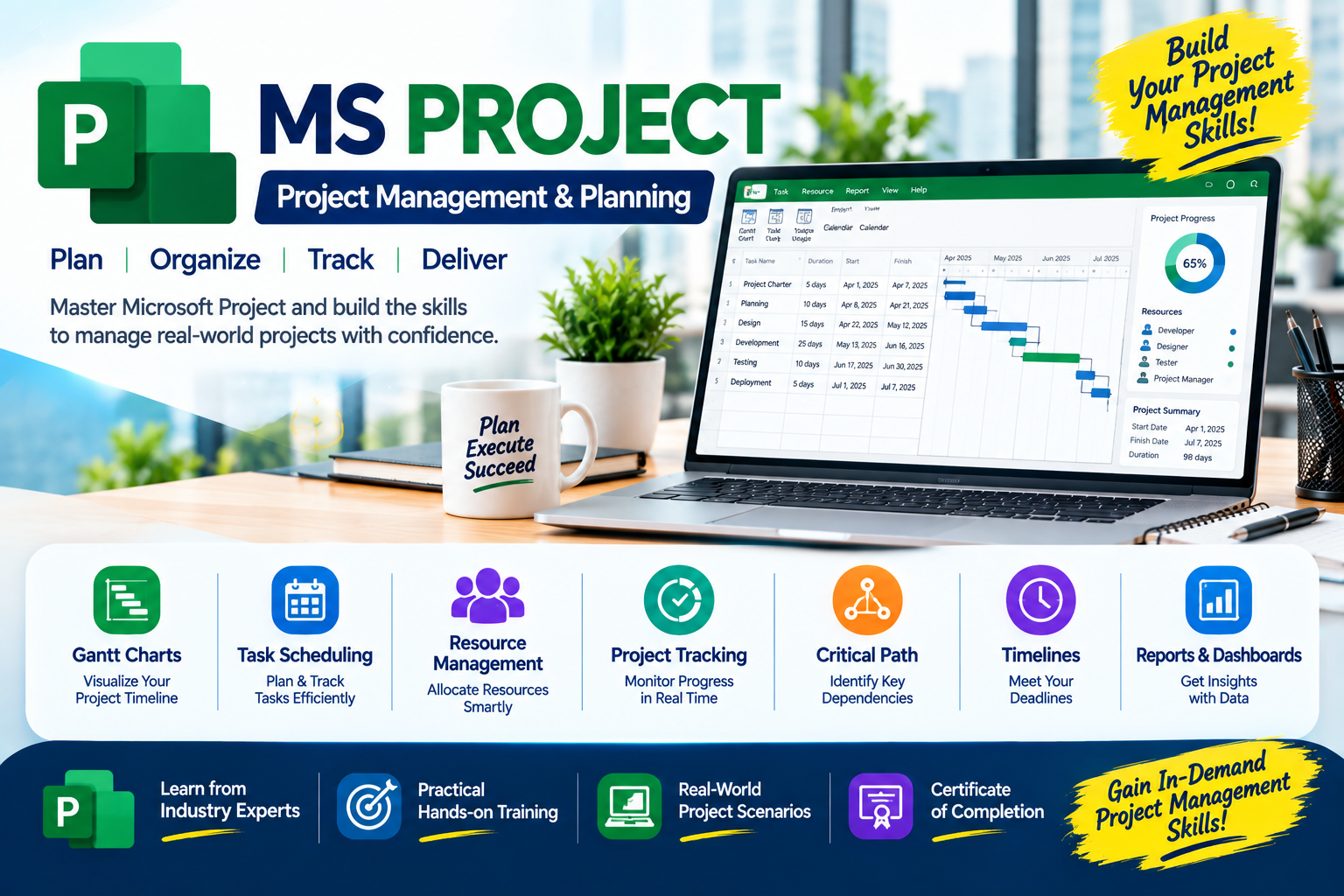
Master Microsoft MS Project with project scheduling, resource allocation, cost management, baseline tracking, progress monitoring, and hands-on real-time project planning.

Duration 1 Month
Training Mode Classroom & Live Online
Trainer Mr. Umesh — 12+ Yrs Exp
Online Microsoft MS Project & Generative AI Training Course
50% Anniversary Discount ₹21,000

₹10,500

/ Complete Program

Program Key Benefits

Master Skills: Industry-relevant skills with hands-on training from top corporate professionals.
Eligibility: Open to Any.
Expert Trainers: Led by Mr. Umesh (12+ Yrs experience), successfully completing 25+ batches.
Program Duration: Comprehensive 1 Months training schedule.
Lifetime Access: Class Recorded Videos provided for lifetime review.
Doubt Clarification: Support via Live Classes, and WhatsApp.
Career Support: Resume Preparation, LinkedIn Profile Creation.
Certificates: Free Training Completion Certificate (Soft Copy) provided.
One-on-One Demo: Get Personalized Training & Clarifications before getting started.

Tools & Technologies Covered

Introduction to Project Management Getting Started with Microsoft Project Task Relationships, Calendars and Settings Scheduling, Outlining and Milestones Assigning Constraints Customizing Gantt Charts and PERT Concepts Resource Management and Costs Project Utilities and Data Management Baseline Management Updating and Tracking Project Progress Reports and Views Advanced Topics ChatGPT Gemini Copilot

Complete Course Syllabus

  • Introduction to a Project & Definition/Characteristics of a Project
  • Project Life Cycle & Introduction to Project Management
  • Objectives, Importance, Roles, and Responsibilities of a Project Manager
  • Project Management Process & Flowchart
  • Introduction to Microsoft Project and Its Uses

  • Introduction to the Interface, Views, Ribbons, Tables, and Toolbars
  • Creating a New Project & Recording Project Details
  • Setting Project Start Date, Properties, and Information
  • Creating Tasks in the Gantt Chart & Entering Durations/Dates
  • Saving and Managing Project Files

  • Predecessors, Successors, and Task Relationships (FS, SS, FF, SF)
  • Understanding Lead and Lag Time
  • Creating Project, Task, and Resource Calendars
  • Assigning Calendars to Projects and Resources
  • Setting Default Options and Project Preferences

  • Automatic and Manual Scheduling Basics
  • Task Duration, Working Time, Summary Tasks, and Subtasks
  • Outlining, Indenting, Expanding/Collapsing Phases, and Sorting Tasks
  • Creating and Managing Milestones
  • Understanding the Critical Path, Critical Tasks, and Schedule Delays

  • Introduction to Task Constraints & Eight Constraint Types (ASAP, ALAP, MSO, MFO, SNET, SNLT, FNET, FNLT)
  • Applying Constraints to Individual Tasks
  • Understanding Constraint Warnings and Scheduling Impacts

  • Understanding Gantt Chart Views, Modifying Bars, & Formatting Task Bars/Text
  • Displaying Task Names, Dates, Customizing Timescales, & Highlighting Critical Tasks
  • Creating/Modifying Bar Styles & Understanding Network Diagrams
  • Introduction to PERT Charts, Three-Point Estimation, and Optimistic/Most Likely/Pessimistic Durations
  • Note: Microsoft Project provides Gantt Chart and Network Diagram views. PERT analysis may require manual calculations or additional tools depending on the version.

  • Introduction to Project Resources (Work, Material, Cost)
  • Resource Sheet Management, Adding/Editing, and Assigning to Tasks
  • Availability, Working Hours, Work, Units, and Duration
  • Identifying Overallocations & Resource Leveling Basics
  • Expenses, Standard/Overtime Rates, and Cost Baselines

  • Exporting and Importing Project Data to/from Excel Using Wizards
  • Creating Custom Filters, Applying/Removing Filters, Sorting, and Grouping Data
  • Customizing Tables, Columns, and Copying/Pasting Project Data
  • Useful Microsoft Project Keyboard Shortcuts

  • Introduction and Importance of Baselines in Project Control
  • Creating, Saving, Assigning, and Setting Multiple Baselines
  • Understanding Baseline Start, Finish, Work, and Cost
  • Comparing Current Schedules with Baselines to Identify Variances

  • Introduction to Tracking, Status Dates, and Actual Start/Finish Dates
  • Updating Percentage Complete, Durations, Resource Work, and Actual Costs
  • Tracking Against Baselines, Monitoring Delays, and Schedule Variances
  • Rescheduling Incomplete Work and Reviewing Performance

  • Understanding Views (Gantt, Tracking Gantt, Task/Resource Usage, Sheet, Network Diagram)
  • Creating Visual Reports, Overview Reports, Cost and Resource Reports
  • Customizing Reports, Page Setup, Print Preview, and Exporting to PDF

  • Resource Curves, S-Curves, Planned Progress Over Time, and Time-Phased Cost Reports
  • Introduction to Earned Value Management (EVM): PV (BCWS), AC (ACWP), EV (BCWP)
  • Variances & Performance Indexes: SV, CV, SPI, CPI, EAC, ETC
  • Interpreting Project Performance and Forecasting Completion

On Reviews — What Our Students Say